Learn
Knowledge Hub Guides Glossary Templates & Tools BlogPlatform & partners
Integrations Changelog API Documentation Soon Event Partner NetworkTry badge printing for free
Print professional event badges on site. Test our badge printer with no setup fee.
Learn moreRegistration and check-in from Streavent put contacts on the right Brevo list, and your follow-up starts there by email or SMS. There is no one-click connector, so you build the link over Streavent's Open API or over Zapier, Make and n8n.

The problem
Your follow-up has been built in Brevo for weeks: thank-you email, replay link, invitation to the next date. It only needs the entry on the right list. Someone adds that by hand after the event, once the rest of the wrap-up is done. In a small team it tends to slip. Until then Brevo has no idea who really came, and the next campaign goes to everyone.
Data flow
The most common flows, each as a live sync.
arrow_forward From Brevo into your event

Segments in Brevo filter on attributes and behavior and keep changing. For the invitation, split a segment into a fixed list. The contacts go to Streavent over the API or Zapier, and you send the invitation from there.


arrow_back From your event back into Brevo

Whoever registers ends up on the list for that event. The connection creates a contact for new addresses and updates the attributes on known ones. One contact can sit on several lists.

Registered, attended or no-show goes to the contact as an attribute. A simple attribute only shows the latest state, while the "Attended" list keeps the record for that event. The entry there starts the automation, but moving someone between lists does not.

A scan at the booth creates a contact in Brevo with an event attribute, and the conversation note sits in a text attribute. A separate list for booth leads starts the follow-up automation the same day.
These are the most common flows, not all of them. Speakers, sponsors, agenda and more sync too, and you can create a whole event straight from your tool.

How it works
Registration, check-in and lead data come from the Open API (REST, from the Growth plan). When Brevo creates a contact it takes the lists and attributes in the same call. With updateEnabled, that call also updates contacts that already exist.
Streavent triggers a flow, and the flow writes to Brevo: create or update the contact, put it on the list, fill the attribute. This route needs nobody from development. Brevo also covers the Zapier connection in its own help center.
Create the attributes in Brevo before the data arrives. The API expects names in capital letters and ignores values that do not fit the type. Phone numbers belong in the default SMS attribute, with the plus sign and country code.
For your team
Registered, attended, no-show: each group gets its own list, and all of them sit in the folder for the event series. Lists are static, so the history stays put.
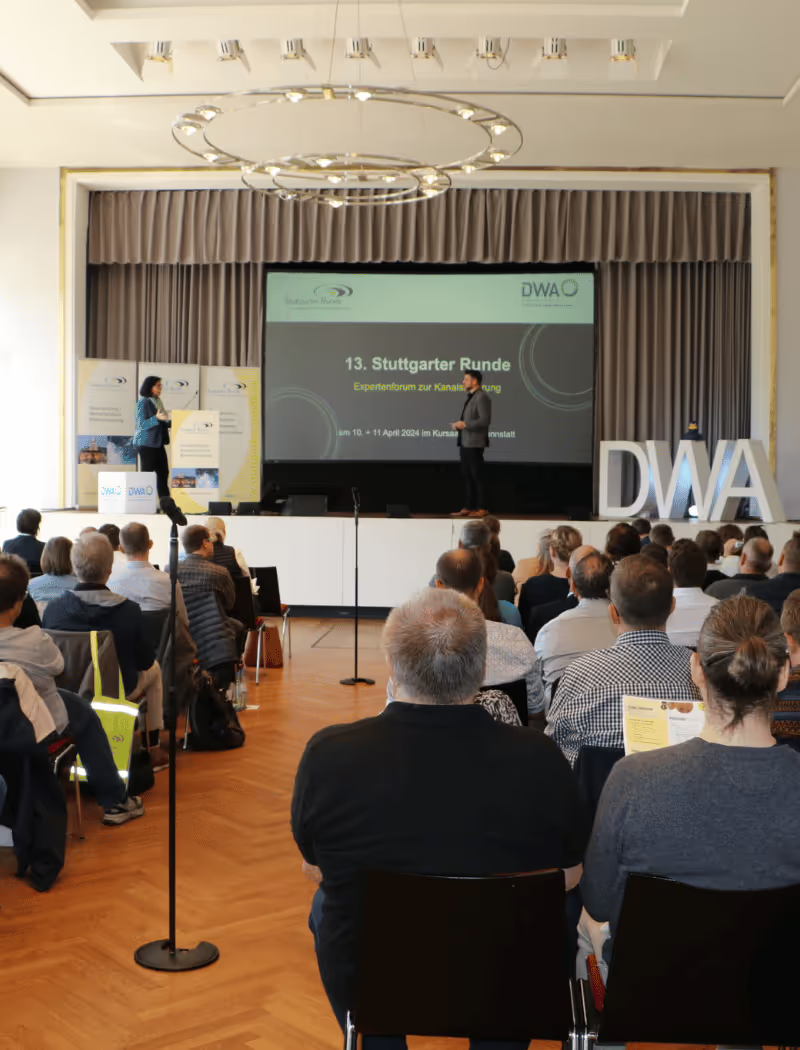

The entry on the list starts the automation that sends the email or SMS. Whoever runs the event looks after the door on event day, not after files.
Leads scanned at the booth land on the contact with their note. A Brevo automation can turn that into a task for the team, so every conversation gets a follow-up.
Availability
We set up the integration together during onboarding, tailored to your systems.
Customer Stories
Meet the people behind the events: real teams who plan, run, and scale their events with Streavent.
“We ran the entire event in one system and went live in under a week.”
“Our event app basically builds itself, with content syncing automatically from our CRM.”
“We deliver our AI webinars as professional livestreams in top quality, all from one platform.”
“We build event landing pages without an agency, and it shows a clear ROI.”
“Check-in was effortless, even volunteers were ready in minutes.”
“Digital, hybrid, in-person: the platform gives us full flexibility, with a truly professional look.”
“We ran check-in entirely through the platform, and the analytics help us improve every event.”
“Our CRM connects directly via API, so we build complete events in just a few clicks.”
“The all-in-one solution we scale up or down for every event, seamlessly integrated with our CRM.”
Take your lists and your next event as the example: we work out with you which list starts which automation and which attributes Streavent fills, over the Open API or Zapier.
FAQ
Streavent is all-in-one event software for professional B2B events with 200 to 5,000 attendees that connects to Brevo over its Open API. Registration data, check-in status and booth leads with notes land as contacts, lists and attributes. The list entry can then start your automation. Registration, ticketing, check-in, badge printing and event app run in one platform, hosted in Germany.
No. Between Streavent and Brevo sits either the Open API (REST, from the Growth plan) or a flow in Zapier, Make or n8n. You set the mapping once: registration to contact and list, check-in to attribute, booth lead to contact. Native sync exists today only with HubSpot, Salesforce and DATEV.
You decide. Streavent includes an email builder, invitation management and automatic reminders, so communication around the event can stay there. Brevo stays your tool for campaigns, automations and SMS. Agree up front which system sends which email, because Brevo keeps unsubscribes for marketing and transactional email separate.
Streavent works in line with the GDPR, hosts the platform in Germany and provides a data processing agreement on every plan on request. Brevo is headquartered in France and states in its help center that its servers are in the EU. The details are in its data processing agreement. If Zapier, Make or n8n sits in between, include that tool in your review, because it handles the same personal data.
Core features
Solutions
Popular guides
More resources